

Mobile Casino vs. Desktop
A phone lets you settle into the couch with a game. A computer gives you a larger display and room for a mouse.
Both can be comfortable ways to play, depending on how you like to use the screen.
When comparing mobile and desktop casino play, focus on the everyday details: reading a paytable, finding a bet control or browsing the lobby.
Those small differences usually tell you more about which setup suits you than the device’s specifications.
Mobile Casino vs Desktop: What Changes?
Start with the things you’ll actually do on screen.
| What You’re Doing | Mobile | Desktop |
| Checking game rules | More scrolling or taps | Details easier to view |
| Using controls | Tap or swipe | Click with a mouse |
| Browsing game choices | Compact menus | More choices visible |
| Reading table layouts | Smaller betting areas | More space to compare bets |
| Playing a short session | Handy away from a desk | Comfortable at a desk |
Playing Online Slots on Mobile
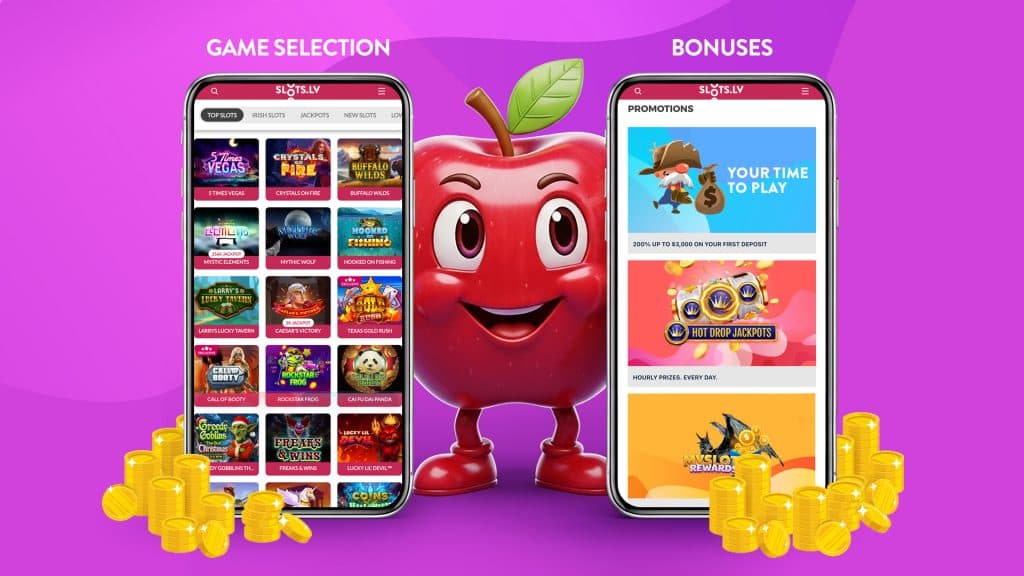
Touch controls can feel natural when a game revolves around a few large buttons. You tap Spin directly, open the settings with a finger and keep the game close without arranging a desk setup.
The trade-off appears when you need more information. A paytable may fill the display, and you might need to close it to return to the game. Lobby filters and account menus can sit behind icons. Check that the bet amount and main controls are easy to read on your phone before settling in.
Try turning the phone if a layout feels cramped. Some games suit landscape, while others are designed for portrait play. A comfortable grip matters, too, especially when you need to reach a control near the edge of the screen.
Playing Online Slots on Desktop
A larger display is useful when you want to study a paytable or compare several areas of a betting layout. On a roulette table, for example, extra space makes individual numbers and groups of bets easier to distinguish. A mouse pointer lets you choose a small area without covering it with a finger.
Desktop can also make browsing feel less crowded. A lobby has more room to show game tiles alongside category controls, and opening a rules panel may leave more of the game visible. If you enjoy looking through features before choosing a title, that space can make the process more comfortable.
Do Slot Games Play Differently on Mobile?
The same game version generally follows the same rules and odds on either device. Screen size changes how you see the game. Buttons can move, menus can fold away and animations may be adapted for the display.
Game availability can differ, though. A casino may support a title or feature on one device and not another. Check the version you open, especially if something looks different from the game you know.
A reliable connection matters on both. Mobile data and home Wi-Fi can each drop during play. If a round is interrupted, follow the casino’s recovery instructions or contact support before trying to restart it.
Playing Online Slots at SlotsLV
At SlotsLV, you can use the same account in your phone’s browser and on your computer. That lets you compare the lobby and game layouts yourself. Look at how easily you can find a game, read its rules and reach the controls on each screen.
For regular mobile access, you can add an optional home-screen shortcut to the website.
The SlotsLV App Guide covers that setup and phone-specific help, including what to check if you have trouble opening the site.
Mobile or Desktop: Which Should You Choose?
- Choose mobile if you enjoy touch controls and the freedom to sit away from a desk.
- Choose desktop if you prefer a mouse, larger text and more information visible together.
- Use both if your preference changes with the setting. Finish your current round and close the game before switching devices.
Open a familiar game and check its paytable on each screen. The setup that makes both comfortable to use is a good starting point.
Mobile vs Desktop FAQs
Does Mobile Casino Play Require an App?
That depends on the casino. SlotsLV works in a mobile browser, with an optional shortcut for your home screen.
Will a Smaller Screen Change the Game Odds?
No. The rules and configuration of the game version determine its odds; the size of your display doesn’t.
Can I Use the Same Account on Both?
At SlotsLV, yes. Sign in with your existing account on your phone or computer.